An opening people rememberNew
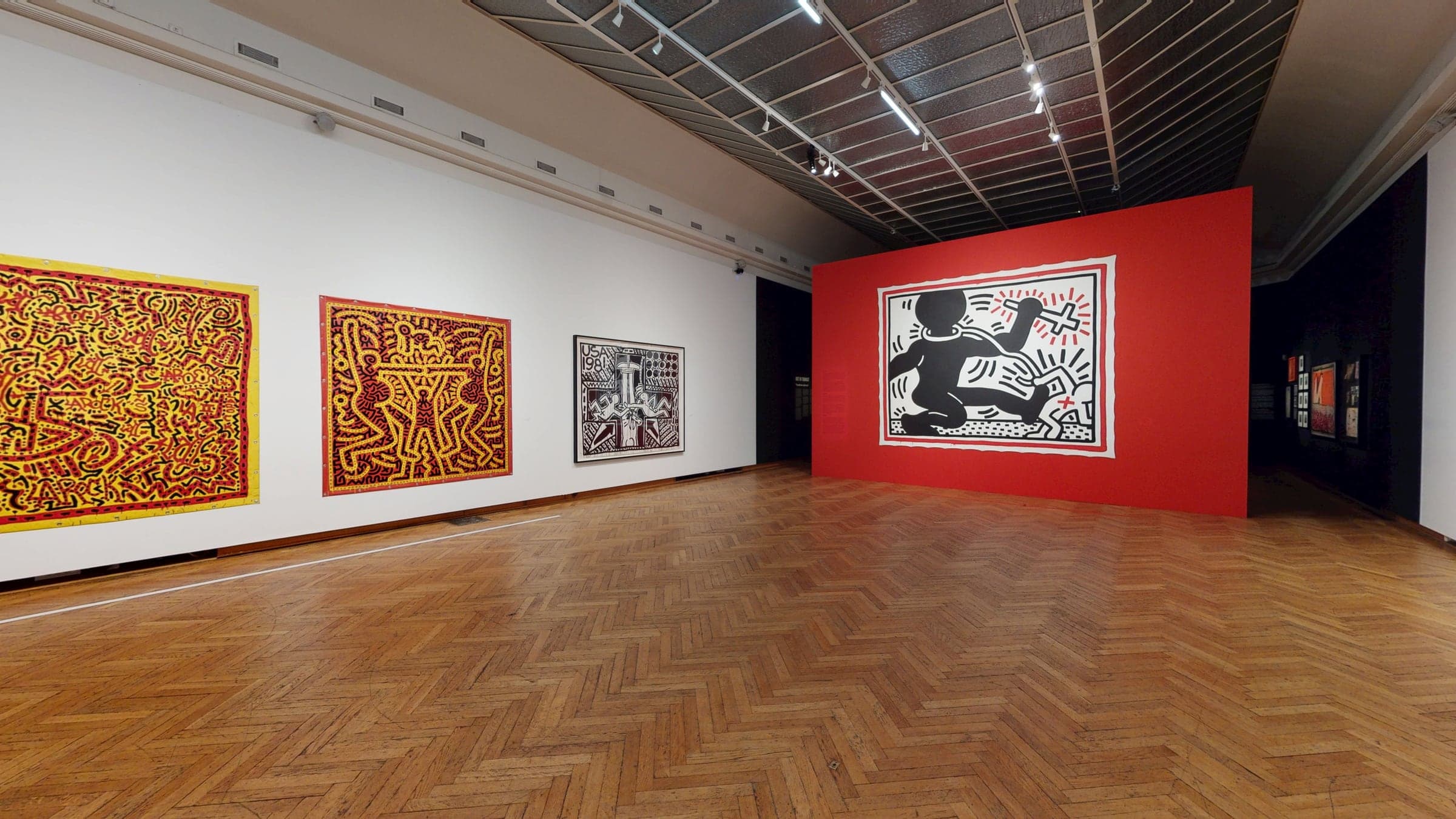
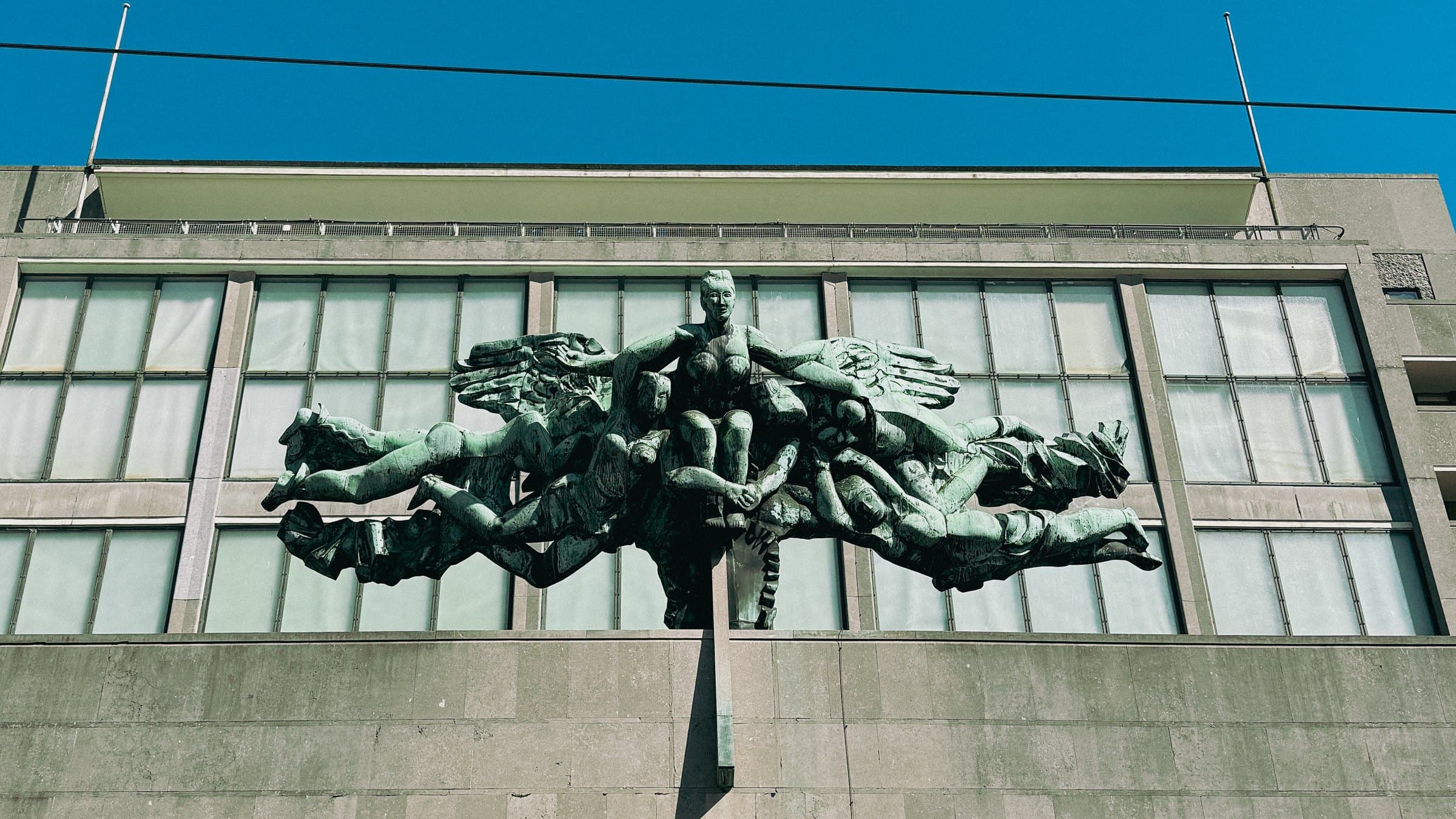
Keith Haring · BOZAR, Brussels
The exhibition rises out of the dark: first its outlines, then the 3D scan, then the photo. Only then do you step inside. Visitors notice the first ten seconds of a tour, and this makes them count.
Try it
- 1Start the tour and watch the opening
- 2Open the exhibition map and click a room
- 3Walk from artwork to artwork: each one has its own stop
Ask the venue
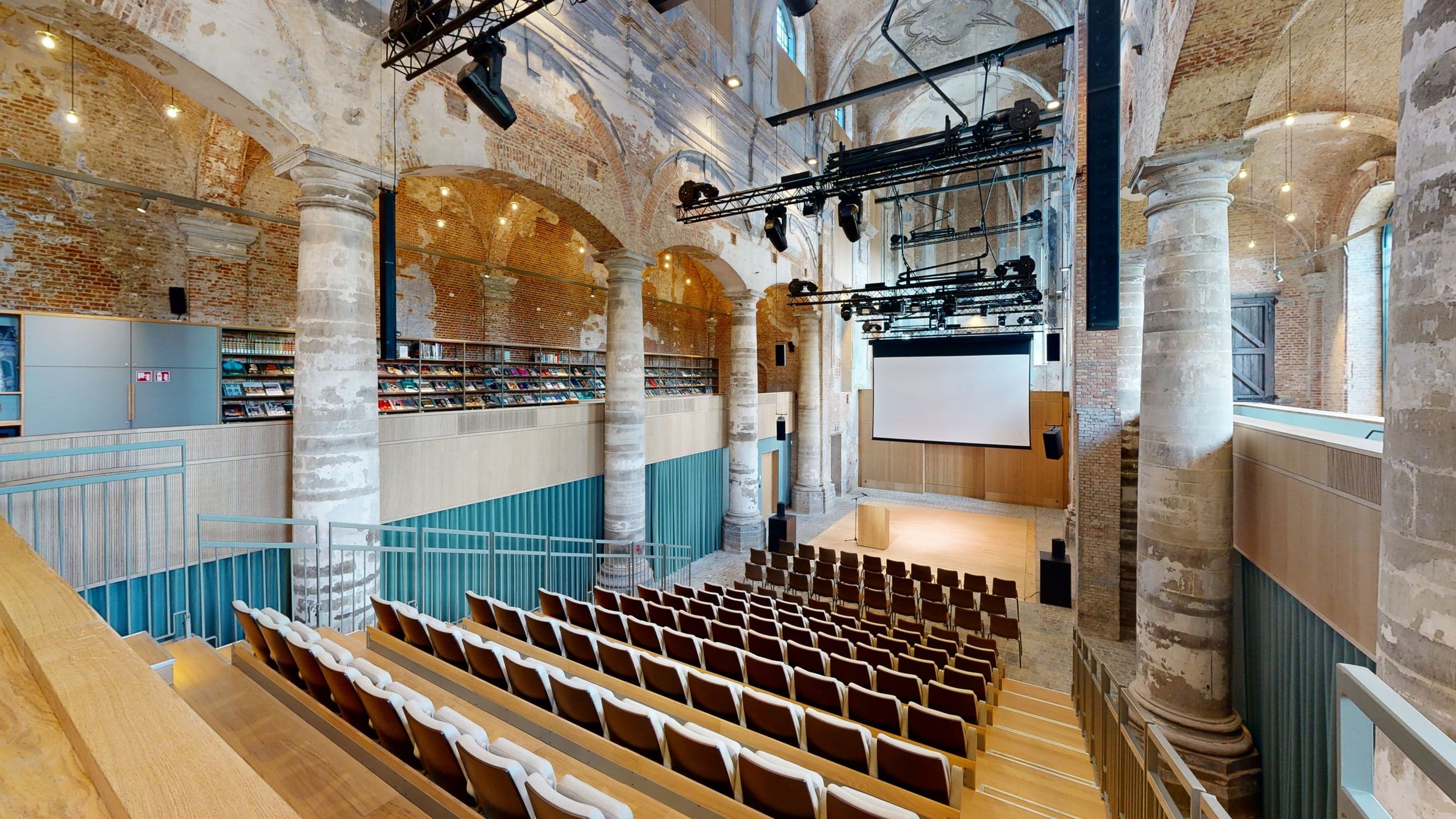
Het Predikheren · Mechelen
A built-in assistant that knows every room. An event planner asks “where can 80 of us have lunch?” and gets the right room, with its capacities, and one click takes them there.
Try it
- 1Type a question in the ask bar
- 2Open a room in the menu: its card shows capacities and set-ups
- 3Click an info point to read the building’s story
Every room tells its story
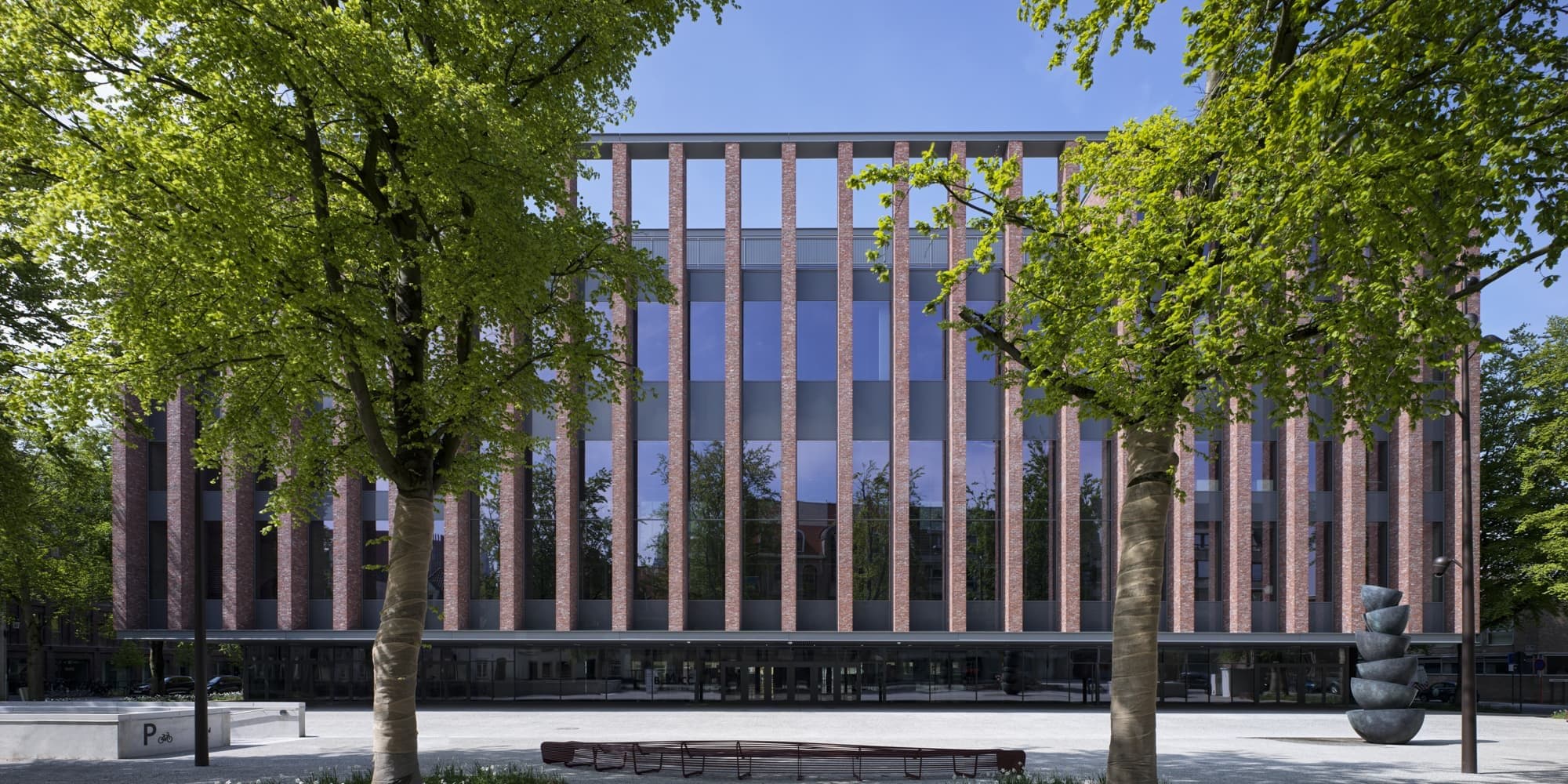
BMCC · Bruges
55 info points across the building, with films, floor-plan PDFs and links to each room’s own page. And a 360° bird’s-eye view over Bruges.
Try it
- 1Click an info point: some play a film
- 2Open “birdsview of Bruges” in the menu
- 3See the auditorium in its different set-ups
A personal welcome
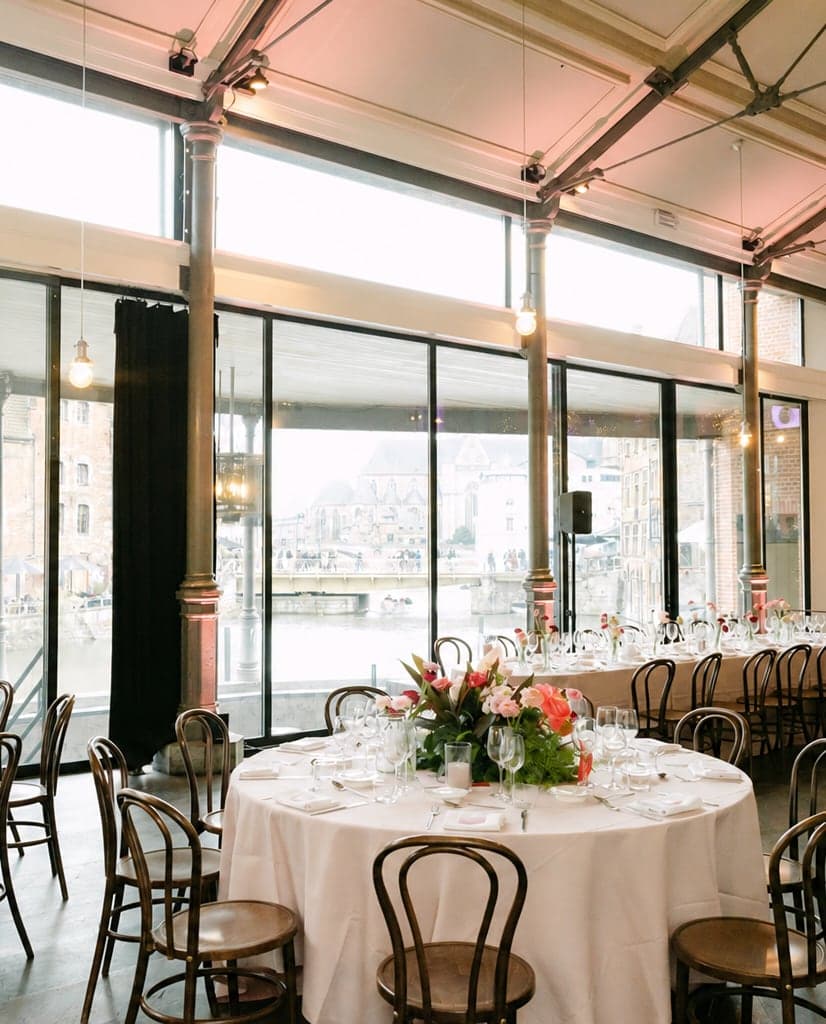
Oude Vismijn · Ghent
A host on video, standing in the room, welcomes visitors as they walk in. Every room can also be shown in its event layout, so planners see the space set up, not empty.
Try it
- 1Start the tour and walk towards the host
- 2Pick a room in the menu, then “room layout”
Find your way
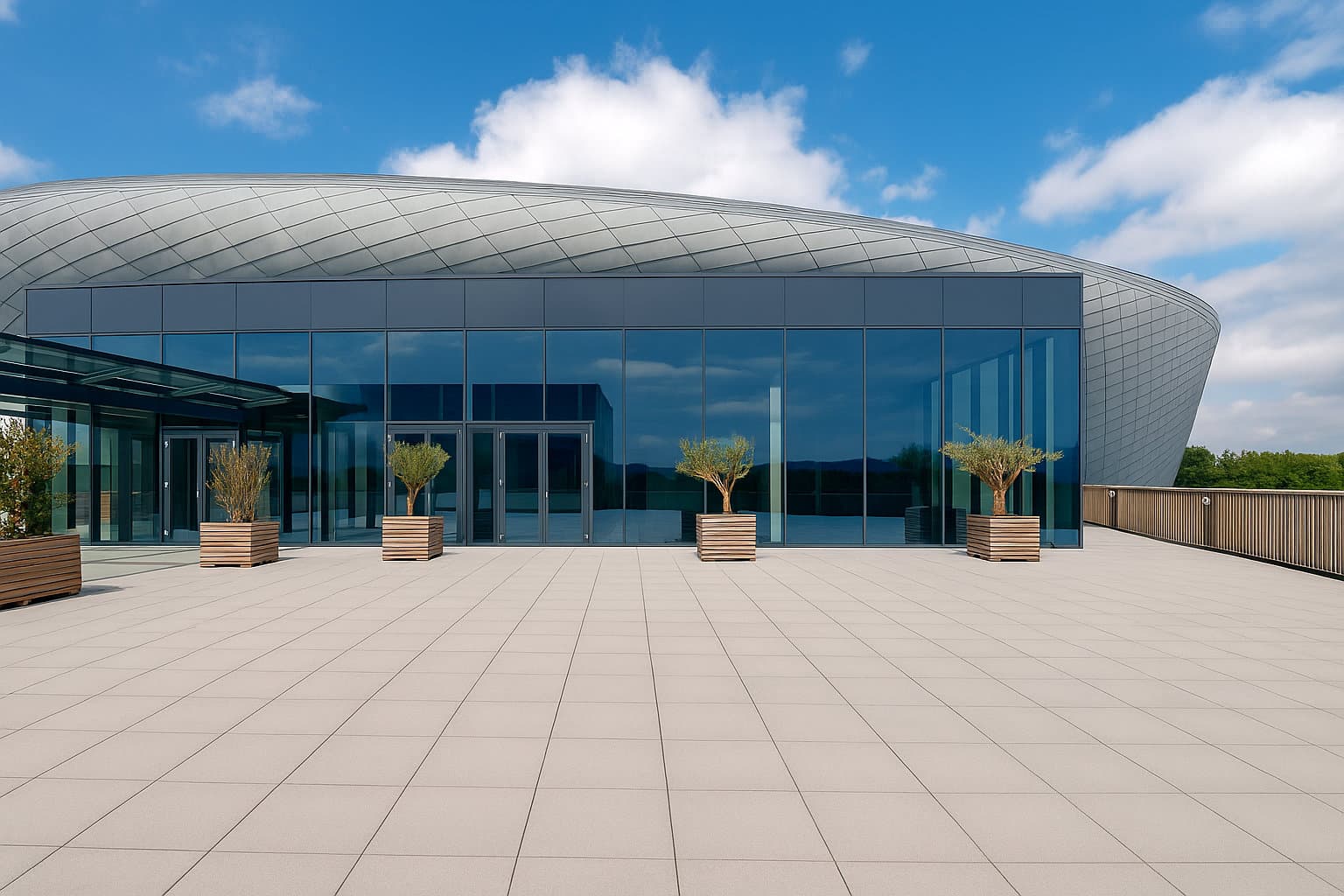
Dome EventHall
The floor plan of each level, right in the tour. Click a room on the plan and you are standing in it. The cover is composed in the venue’s own style.
Try it
- 1Open the menu, then “Floor plans”
- 2Switch between Level +2 and Level +3
- 3Click a room on the plan
Made for your website
De Grote Post · Ostend
The tour sits on the venue’s own room pages and sends visitors back to them. A building on eleven levels, each with its own name, so nobody gets lost between the basement and the roof.
Try it
- 1Change floor: every level has a name
- 2Click an info point, then “more about this room”
Everything at a glance
Mix and match: any of these can go into your tour.
| Keith Haring | Het Predikheren | BMCC | Oude Vismijn | Dome EventHall | De Grote Post | |
|---|---|---|---|---|---|---|
| Cover in your style | ||||||
| Your colours, fonts and logo | ||||||
| Menu of rooms | ||||||
| Cinematic intro | · | · | · | · | · | |
| AI assistant | · | · | · | · | · | |
| Room cards with capacities | · | · | · | · | · | |
| Info points | · | · | · | |||
| Films in info points | · | · | · | · | · | |
| Video host in the space | · | · | · | · | · | |
| Set-ups in 360° | · | · | · | · | ||
| Bird’s-eye view | · | · | · | · | · | |
| Clickable floor plan | · | · | · | · | ||
| Named floors | · | · | · | · | · | |
| Photo strip | · | |||||
| Documents (PDF) | · | · | · | · | ||
| Languages | 3 | 1 | 3 | 2 | 3 | 2 |
Which ideas fit your venue?
Tell us what your visitors need. We build it into your tour.
Talk to us